Where Does Your Money Go?
Most institutes have no clear picture of their expenses. Salaries, maintenance, supplies, events, utilities — it all adds up but nobody tracks it systematically. Paper bills get lost, Excel sheets become messy.
How Digital Expense Tracking Works
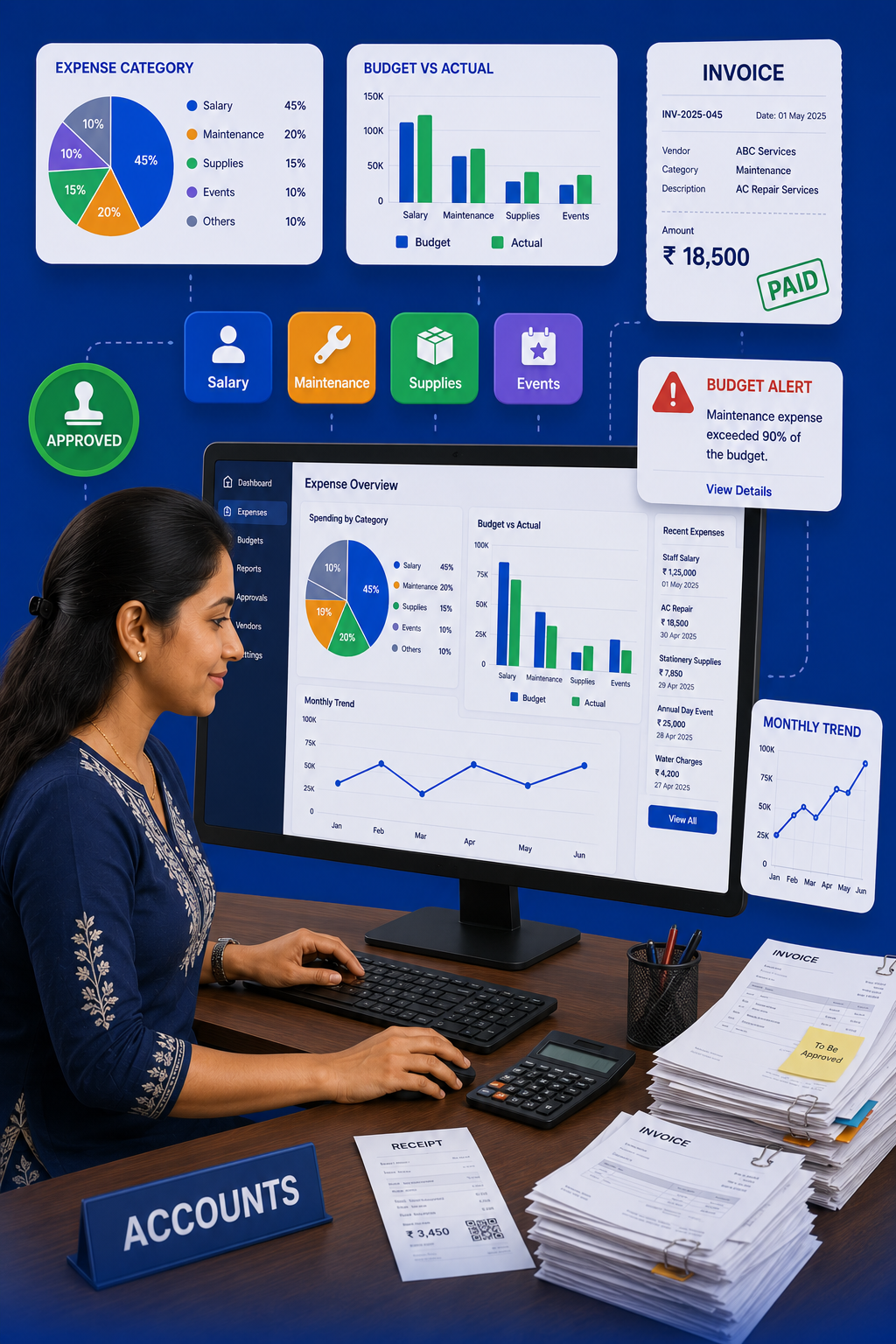
AttendanceGuru's expenditure module gives you complete financial visibility:
- Log Expenses: Record every payment with category, date, amount, receipt
- Categories: Salary, Maintenance, Supplies, Events, Transport, Utilities — customize as needed
- Budget Setting: Set monthly/yearly budgets per category
- Alerts: Get notified when spending exceeds 80% of budget
- Reports: Monthly/yearly expense reports with charts
Key Features
- Receipt Upload: Attach photo of bill/invoice to each entry
- Approval Workflow: Large expenses require admin approval before logging
- Budget vs Actual: Visual comparison showing overspend/underspend
- Multi-Branch: Consolidated expenses across all locations
- Export: Download reports as Excel/PDF for CA or auditors
See how expense tracking and budgeting works in AttendanceGuru.