The Report Card Nightmare
Every exam season, teachers spend weeks entering marks, calculating percentages, printing report cards, and generating hall tickets. One mistake means reprinting hundreds of cards. It doesn't have to be this way.
How It Works
AttendanceGuru automates the entire exam lifecycle:
- Create Exam — set name, subjects, max marks, passing marks
- Schedule — assign dates, times, rooms for each subject
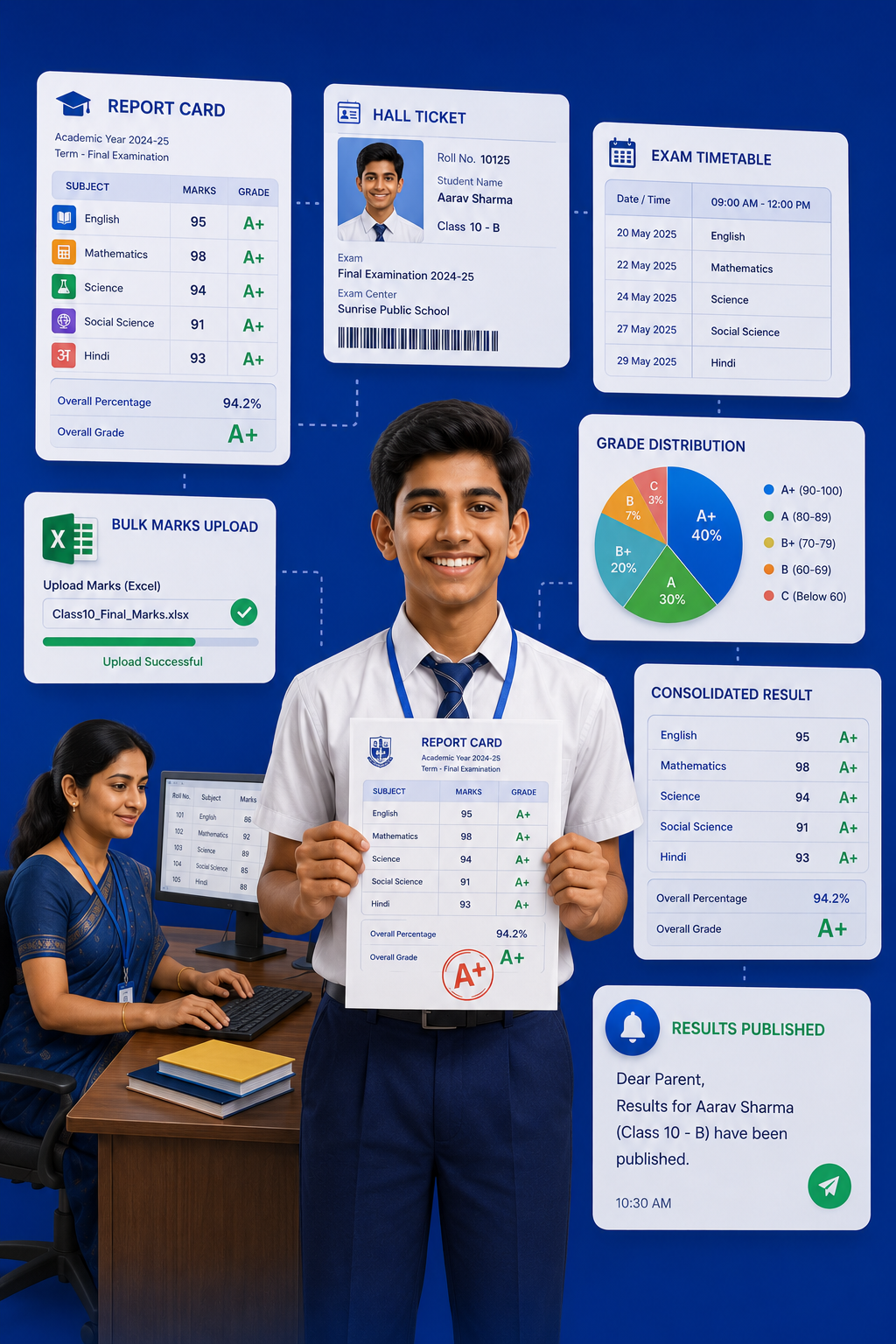
- Enter Marks — bulk upload via Excel/CSV or enter manually
- Generate Results — auto report cards with grades, percentage, rank
- Publish — parents get notified, can view on app
Key Features
- Hall Tickets: Auto-generated with student photo, roll number, exam schedule
- Multiple Grading Systems: Percentage, CGPA, letter grades — configure as per your board
- Consolidated Results: Combine multiple exams (Unit Test + Half Yearly + Annual)
- Bulk Upload: Enter marks for 500 students in 5 minutes via Excel
Time Saved
What used to take 2 weeks now takes 2 hours. Teachers can focus on teaching, not paperwork.